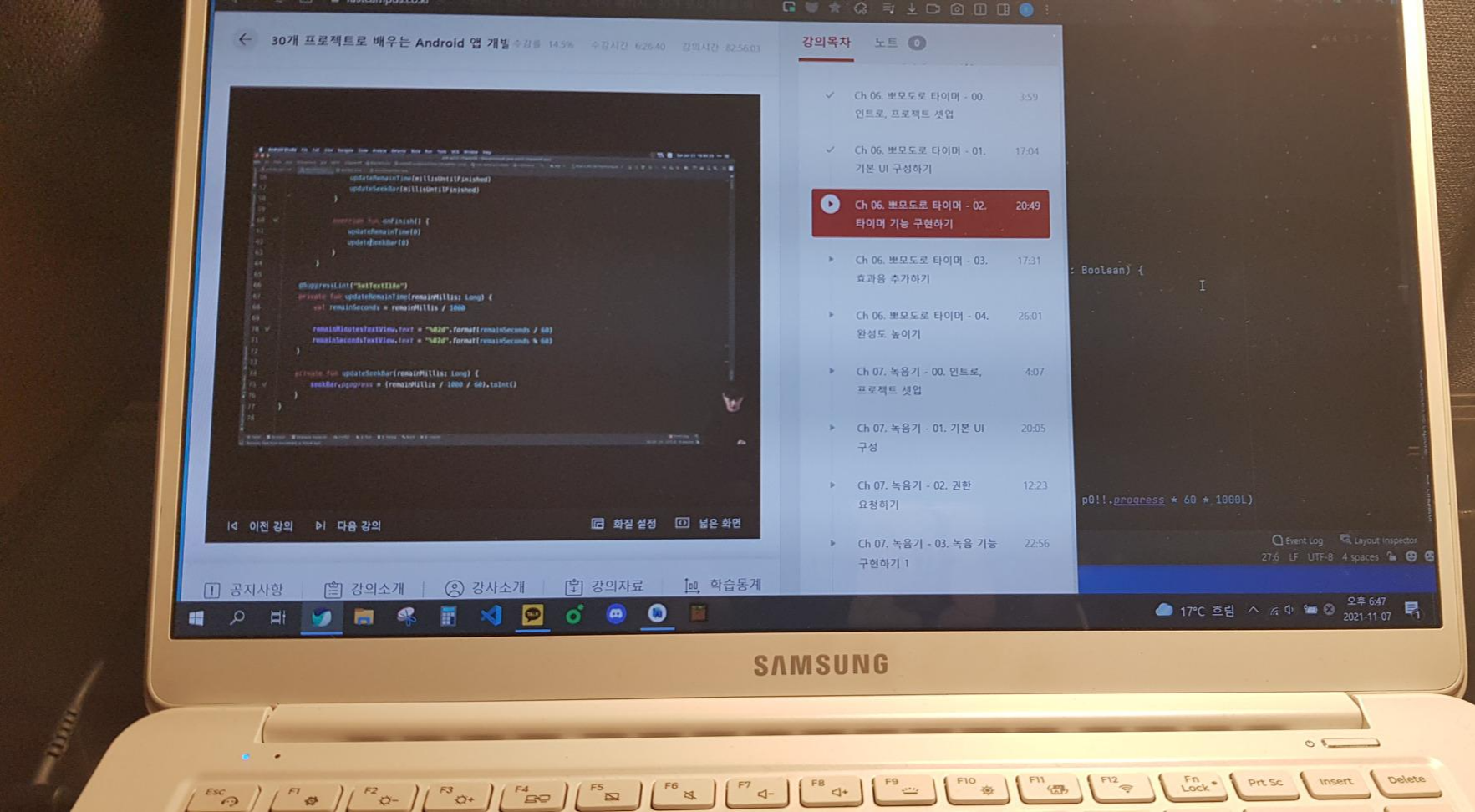
오늘은 seekBar를 움직였을 때 타이머 숫자가 변하고 시간이 변함에 따라 변하는 기능을 구현하였습니다.
object : CountDownTimer(initMillis, 1000L){
            override fun onTick(p0: Long) {
                updateRemainTimes(p0)
                updateSeekBar(p0)
            }

            override fun onFinish() {
                updateRemainTimes(0)
                updateSeekBar(0)
            }

        }
CountDownTimer 함수의 멤버함수로 onTick 과 onFinish 함수를 정리해주었습니다.
private fun updateRemainTimes(remainMillis: Long){
        val remainSeconds = remainMillis / 1000

        remainMinutesTextView.text = "%02d".format(remainSeconds / 60)
        remainSecondsTextView.text = "%02d".format(remainSeconds % 60)
    }
updateRemainTimes 함수 안에서는 remainMinutesTextView 와 remainSecondsTextView의 text를 각각 remainSeconds를 이용하여서 정리해주었습니다.
private fun updateSeekBar(remainMillis: Long){
        seekBar.progress = (remainMillis / 1000 / 60).toInt()
    }
updateSeekBar함수로 seekBar의 progress 를 시간초가 지남에 따라 변하도록 정리해주었습니다.
패스트캠퍼스 바로가기 -> https://bit.ly/3FVdhDa
본 포스팅은 패스트캠퍼스 환급 챌린지 참여를 위해 작성되었습니다.
'패스트캠퍼스 챌린지' 카테고리의 다른 글
| [패스트캠퍼스 챌린지 9일차] Android recorder (0) | 2021.11.09 |
|---|---|
| [패스트캠퍼스 챌린지 8일차] Android voice recorder (0) | 2021.11.08 |
| [패스트캠퍼스 챌린지 6일차] Timer_App (0) | 2021.11.06 |
| [패스트캠퍼스 챌린지 5일차] Android 전자액자 마무리 (0) | 2021.11.05 |
| [패스트캠퍼스 챌린지 4일차] Android 전자액자 (0) | 2021.11.04 |