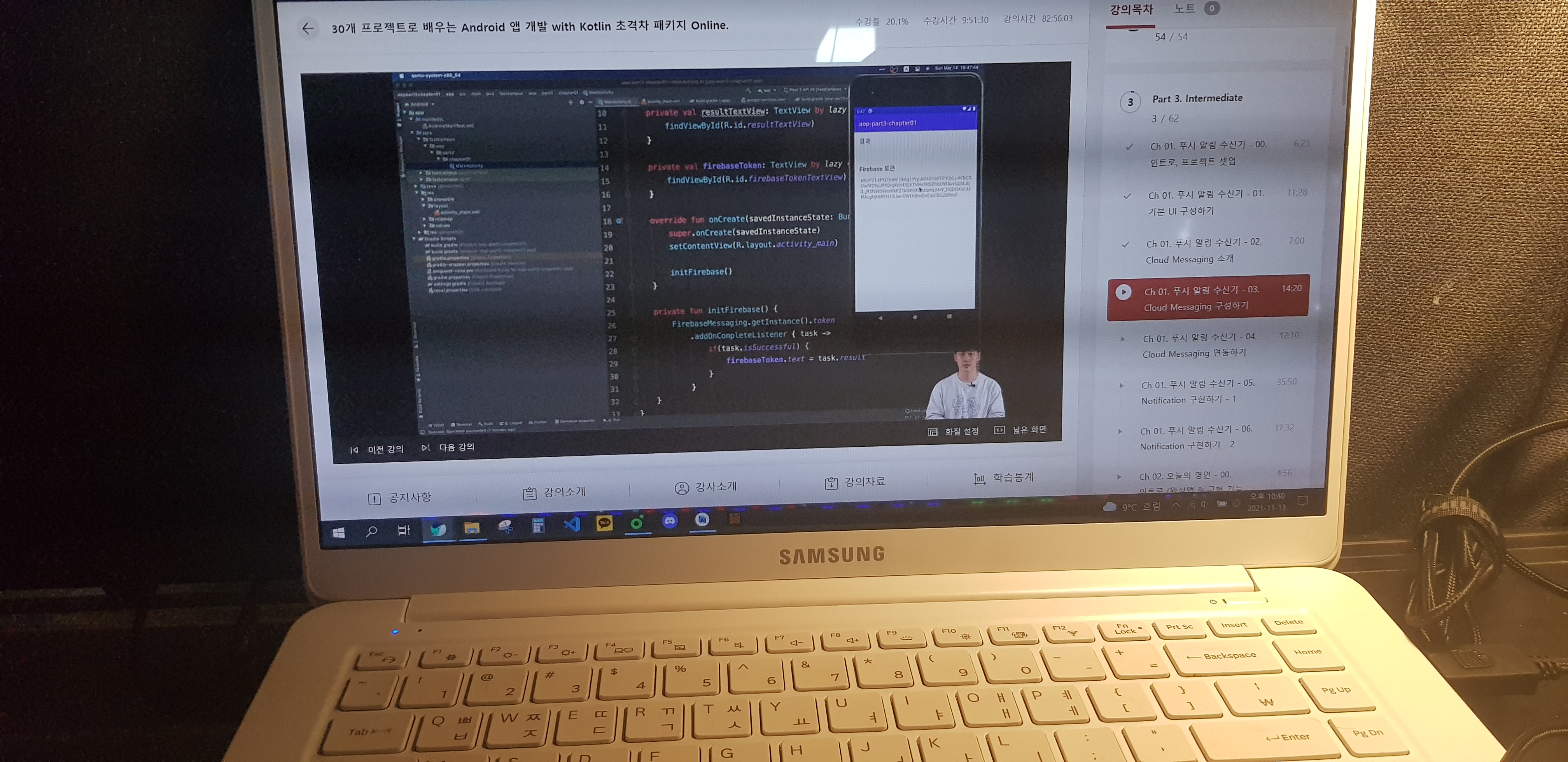
Firebase를 이용하여서 token을 얻어오고 firebase cloud message 기능을 이용하여 push알람이 실제로 전달되는 것까지 구현하였습니다.
private fun initFireBase() {
        FirebaseMessaging.getInstance().token
            .addOnCompleteListener { task ->
                if(task.isSuccessful){
                    fireBaseTokenTextView.text = task.result

                }
            }
    }
firebase를 이용하기 위해서 작성해야할 gradle 부분입니다.
dependencies {
        classpath "com.android.tools.build:gradle:7.0.2"
        classpath "org.jetbrains.kotlin:kotlin-gradle-plugin:1.5.31"
        classpath 'com.google.gms:google-services:4.3.10'
        // NOTE: Do not place your application dependencies here; they belong
        // in the individual module build.gradle files
    }
apply plugin: 'com.google.gms.google-services'
dependencies {
implementation platform('com.google.firebase:firebase-bom:29.0.0')
implementation 'com.google.firebase:firebase-analytics-ktx'
implementation 'com.google.firebase:firebase-messaging-ktx'
implementation 'androidx.core:core-ktx:1.7.0'
implementation 'androidx.appcompat:appcompat:1.3.1'
implementation 'com.google.android.material:material:1.4.0'
implementation 'androidx.constraintlayout:constraintlayout:2.1.1'
testImplementation 'junit:junit:4.+'
androidTestImplementation 'androidx.test.ext:junit:1.1.3'
androidTestImplementation 'androidx.test.espresso:espresso-core:3.4.0'
}
패스트캠퍼스 바로가기 -> https://bit.ly/3FVdhDa
본 포스팅은 패스트캠퍼스 환급 챌린지 참여를 위해 작성되었습니다.
'패스트캠퍼스 챌린지' 카테고리의 다른 글
| [패스트캠퍼스 챌린지 15일차] Android push app 3가지 type (0) | 2021.11.15 |
|---|---|
| [패스트캠퍼스 챌린지 14일차] Android push-app (0) | 2021.11.14 |
| [패스트캠퍼스 챌린지 12일차] Android push 알람 앱 (0) | 2021.11.12 |
| [패스트캠퍼스 챌린지 11일차] Android WebView (0) | 2021.11.11 |
| [패스트캠퍼스 챌린지 10일차] Android WebBrowser (0) | 2021.11.10 |